

Professional AI Video Dubbing Platform
Automated Speed. Studio Precision.
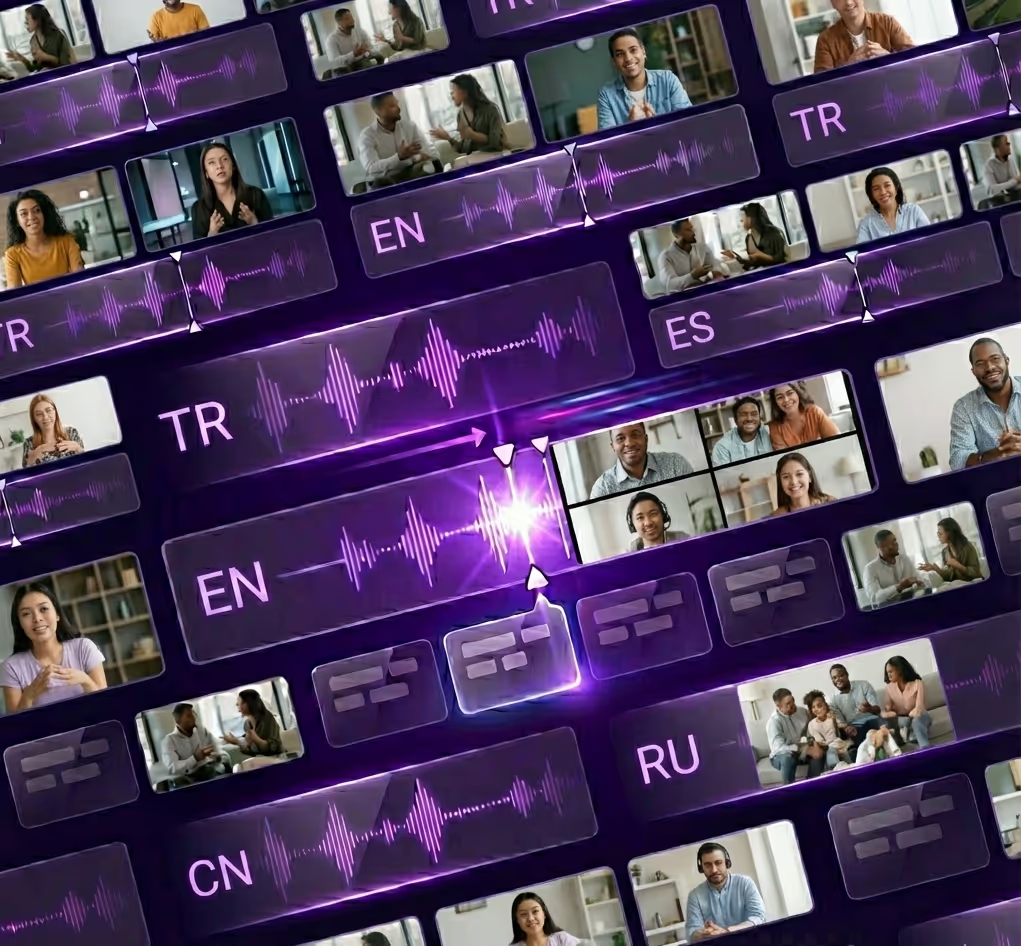
Generate multilingual videos in minutes. Maintain perfect lip-sync and emotion control with our intuitive timeline editor.
The only platform that combines AI speed with professional precision.
Generate multilingual videos in minutes. Maintain perfect lip-sync and emotion control with our intuitive timeline editor.
The only platform that combines AI speed with professional precision.
Two Ways to Use GoodDub Studio:
AI Automation: Generate high-quality dubs in minutes. Our advanced AI handles translation, voice cloning, and lip-sync automatically.
Precision Control: Need more detail? Jump into the Timeline Editor to tweak intonations, adjust timing, and polish emotions with frame-perfect accuracy.
Advanced AI Technology
AI Can't Feel, But You Can.
Add “Soul” to Your Videos.
Standard AI dubbing sounds flat. GoodDub gives you two powerful technologies to inject real human emotion into every scene.
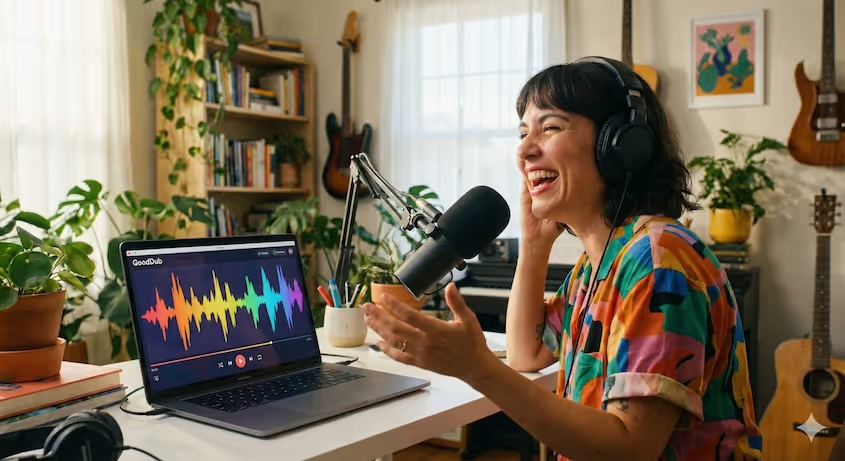
Turn on the microphone and “Play”
Is the character in your video shouting, whispering or laughing?
Standard TTS can’t handle it. Turn on your mic and read the line with that emotion. Our AI transforms your voice tone to match the character’s original voice, while preserving your intonations and performance 100%.
Standard TTS can’t handle it. Turn on your mic and read the line with that emotion. Our AI transforms your voice tone to match the character’s original voice, while preserving your intonations and performance 100%.
Your voice does not have to be beautiful, you just need to make the right intonations.
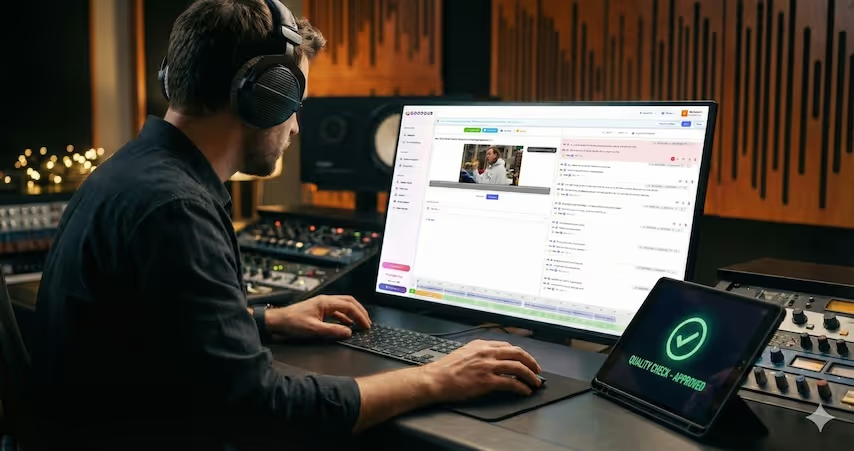
Refine with Precision Tools
AI didn't hit the right note? Don't settle. Use the 'Refresh TTS' feature to instantly generate new emotional variations of the same line until it sounds perfect. Tweak timing, speed, and pitch directly on the timeline—no microphone required.
Infinite AI Takes at Your Fingertips.
Hear the Difference: Standard vs. Pro Control
Experience how our advanced timeline tools and STS engine elevate standard AI dubbing to studio-quality performance. See & hear what you can do!
* All 'Pro-Editor' examples were created using GoodDub Studio's manual adjustment tools without external post-production.
Bring Your YouTube Channel to the World
New languages, new subscribers worldwide!
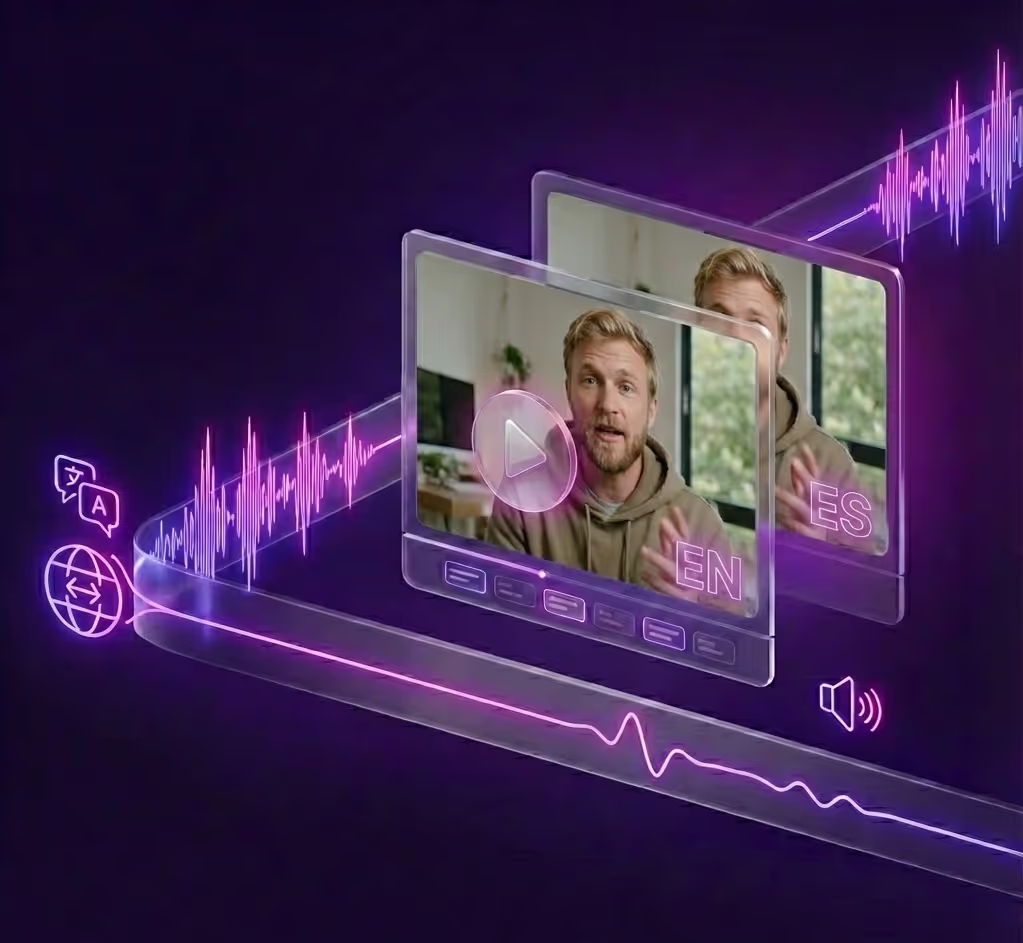
GoodDub boosts the organic growth of your YouTube channel by making your content accessible to millions of viewers who don’t speak your native language.
It doesn’t just grow your views — it boosts loyalty and engagement on every video.
Features
One Click. 30 New Markets.
Why limit your content to one country?
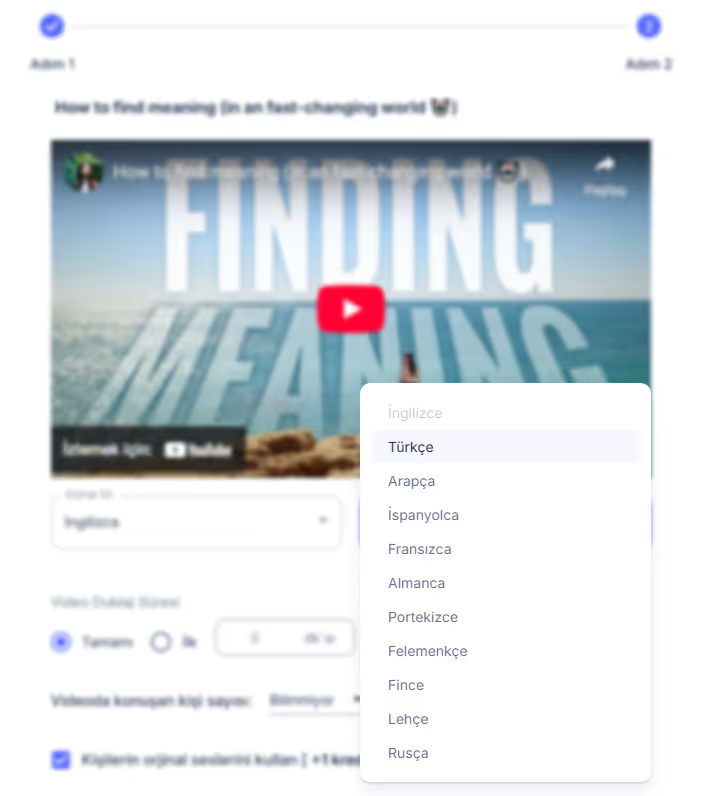
English, Arabic, French, Portuguese... We cover the languages (30+) that matter most for growth. Turn your local video into a global asset instantly.
We handle the grammar, the accent, and the idioms. You take the credit.
English, Arabic, French, Portuguese... We cover the languages (30+) that matter most for growth. Turn your local video into a global asset instantly.
We handle the grammar, the accent, and the idioms. You take the credit.
Features
Voice Clone: Cheat the system. Sound like a local.
No accents, no awkward pronunciations. Just your voice, perfectly translated.
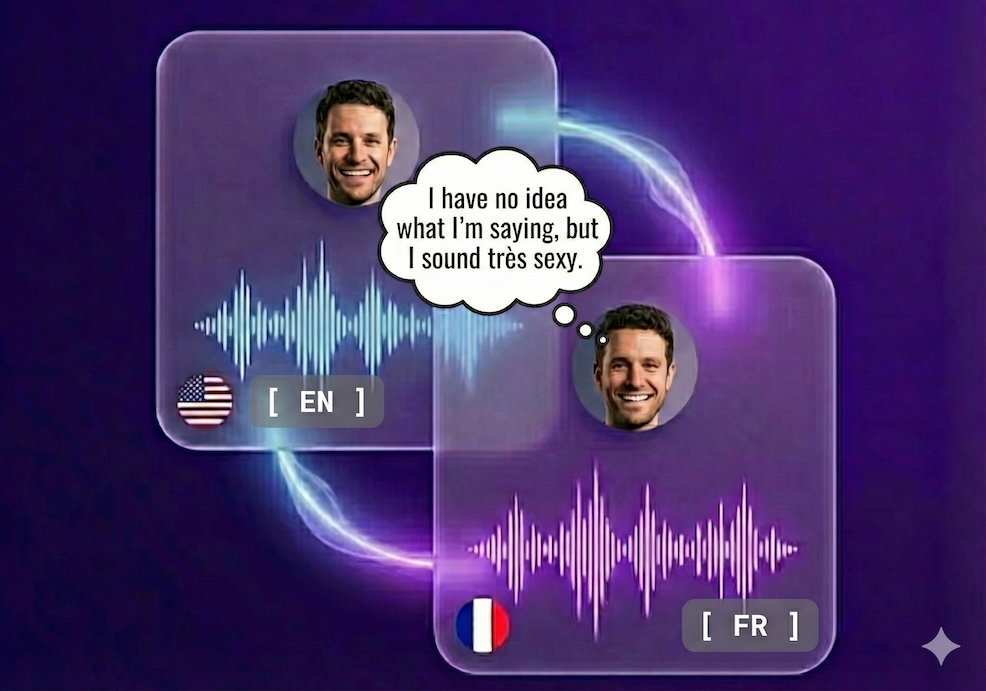
Our voice cloning tech is the ultimate hack for going global. You do the talking in your language, our AI handles the rest. It's basically magic without the wand.
Our voice cloning tech is the ultimate hack for going global. You do the talking in your language, our AI handles the rest. It's basically magic without the wand.
Features
We Don't Leave It to Chance: AI Speed, Studio Control.
Other AI tools tell you to "accept the result." GoodDub gives you the power to perfect the result.
"Smart Assistant" That Checks For You
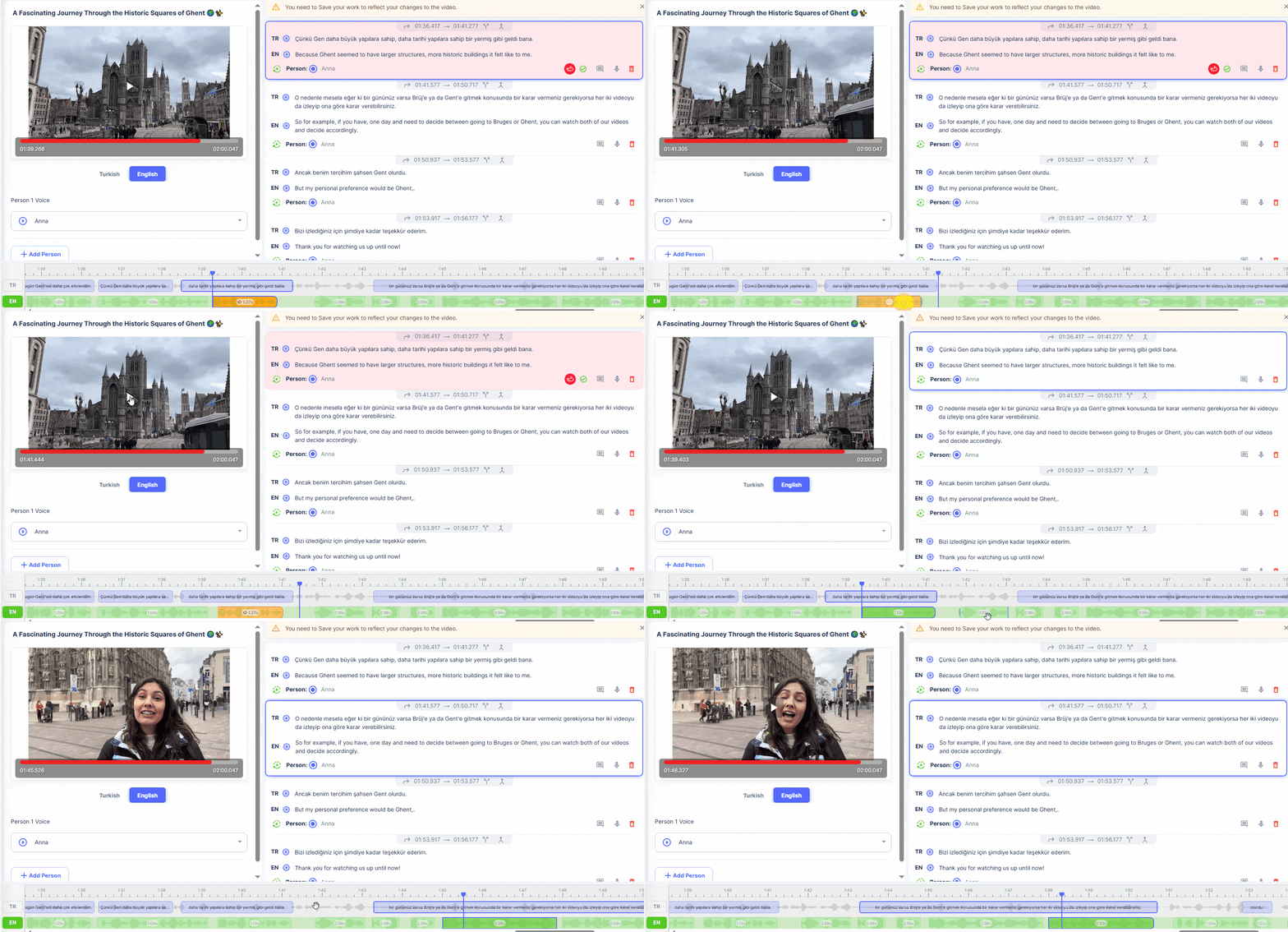
Don't waste time checking long videos frame by frame. Our smart algorithm detects and marks potential timing conflicts and sync issues for you. You just press the approve button.
Full Sync with Millisecond Precision
Did you notice the dubbing doesn't match the lip movements?
No problem. Achieve perfect sync by shifting audio blocks by milliseconds on our advanced timeline. This precision, usually found only in professional studios, is now in your browser.
No problem. Achieve perfect sync by shifting audio blocks by milliseconds on our advanced timeline. This precision, usually found only in professional studios, is now in your browser.
Don't Recreate the Whole Video for a Single Word
Is there a mistake in the translation or did you not like the pronunciation?
Edit the text as you wish and regenerate only that sentence in seconds. You don't need to wait for minutes or spend extra credits to fix errors.
Edit the text as you wish and regenerate only that sentence in seconds. You don't need to wait for minutes or spend extra credits to fix errors.
"Human Touch" to Robotic Intonations (Human Punch-in)
Did AI fail to convey the emotion fully?
Turn on your microphone, record that sentence with your own emotion and intonations and insert it. The hybrid technology that perfectly blends AI and human voice is only at GoodDub.
Turn on your microphone, record that sentence with your own emotion and intonations and insert it. The hybrid technology that perfectly blends AI and human voice is only at GoodDub.
Streamlined Workflow: From Upload to Publish
GoodDub Studio automates the heavy lifting so you can focus on the creative finish.
Upload & Select Language
Simply paste a YouTube link or upload your video file. Select your target language and let our AI engine automatically transcribe, translate, and voice-over your content in minutes.
Listen, Tweak, Approve
Our engine delivers 95% accuracy instantly. For the final 5%, use the interactive player to swap out pronunciations or lock in the perfect emotion with a single click before exporting.
Export & Go Global
Happy with the result? Export your video in high definition. Download the dubbed audio track separately or get the full video with hardcoded subtitles ready for YouTube, TikTok, or Netflix.
All Features
More on GoodDub
Everything you need when creating a dub is here.
Smart Dubbing Editor
Dubbing editor with automatic issue detection helps you to enhance your dubbing easily.
Drag and Drop Timeline
Easily adjust the dubbing sync by dragging and dropping on the timeline. Accelerate/slow down or shift the time of each sentence in your dubbing.
Voice Recording
Add emotion to your dubbing with voice recording for the phrases you want. Get 100% compatible with the rest of the dubbing with the voice-changer feature.
Live Preview
Instantly preview any changes you make to your dubbing. When you're done, save the video and produce it again.
Full Synchronous Subtitles
Subtitle files for both original and dubbed videos are ready to be downloaded along with the dubbed video!
Translation of Video Descriptions
Video titles and descriptions are translated into your target language and ready to use once the dubbing is complete.
Re-generate Audio with TTS
Generate text revocalizations for sentences that you want to improve emphasis or intonation in dubbing. Repeat as many times as you like.
Lip-Sync
If you want, add Lip-Sync to your dubbing, so you can achieve a natural flow.
Ready to Publish Format
Ready to publish dubbing with a dubbing time of up to 60 min for long content and 1080p resolution. With 48 kHz audio quality at 192 Kbps.
Pricing
Flexible Pay-As-You-Go Pricing
Pay only when you dub
Purchase compute credits that never expire. Scale your production up or down instantly.
Free Trial
$0/min
No credit card required
Dubbing with premium ai voices or audio cloning from video
1 min time limit per video
Full access to GoodDub Studio

Commercial Usage Rights
Lip-Sync feature
Priority Rendering Queue
No Watermark on Exports
Try for Free
25, 100 or 250 credit packages
Premium Credit Packages
$0,42/min
starting from
NO MONTHLY FEES!
Dubbing with premium ai voices or audio cloning from video
Up to 25 min video support
Full access to GoodDub Studio
Commercial Usage Rights
Lip-Sync feature
Priority Rendering Queue
No Watermark on Exports
Sign up for Free and Compare Packages
Try Gooddub right now as a free registration. See Gooddub's speed and dubbing quality. Freely edit and improve your dubs with GoodDub Studio and get them ready to publish.
The ROI of Automated Dubbing
Replace slow outsourcing loops with GoodDub’s real-time AI rendering engine:
➔ Fraction of the cost of manual labor
➔ Turnaround in minutes, not days
➔ Tweak until perfect—no extra "revision costs"
➔ Fraction of the cost of manual labor
➔ Turnaround in minutes, not days
➔ Tweak until perfect—no extra "revision costs"
Frequently Asked Questions
For more information, you can use the live support section or send an email.
Do I need technical knowledge to use GoodDub?
No. GoodDub is extremely user-friendly and requires no technical experience. And if you ever need help, our support team is with you at every step.
How many languages can my videos be dubbed?
We currently offer dubbing in 30 languages, including English.
Do dubbed videos positively or negatively affect the YouTube algorithm?
It effects positively. Content in different languages is recommended and highlighted more, thanks to a global audience.
Are dubbed sounds robotic or artificial?
Thanks to our hybrid technology, we preserve natural sounds. In addition, emotion and naturalness are guaranteed with the Human Punch-in option.
Can I switch from one package to another?
Sure. You can upgrade or change your package at any time according to your needs.
Is voice cloning safe, can you use my voice in different places?
Audio samples are kept confidential and safe. It is not used or shared anywhere without your consent.
Can I replace my clone voice dubbing with ready-made AI voices?
Of course. GoodDub offers a large collection of artificial intelligence voices. You can select the desired voice from this collection and assign it to the persons in your videos. Visit the GoodDub help center for usage details: https://helpcenter.gooddub.ai
Is there a free trial?
Yes, GoodDub offers a free trial. So, you can try the platform risk-free and discover the advantages of the service.
What video resolution is supported at most?
You can upload videos up to 1080p to GoodDub. For YouTube links, the dub is created using the video’s highest available resolution up to 1080p.
What is the maximum supported video length?
Videos of up to 60 minutes are supported. You can still take advantage of the platform by splitting your longer videos into several tracks.


Still have questions?
Check out the FAQ Center for answers to all 25+ questions.
Contact Us

Next Level Business Center
Kızılırmak Mah,
Eskisehir Road No:3,
06520 Çankaya/Ankara
Kızılırmak Mah,
Eskisehir Road No:3,
06520 Çankaya/Ankara


0850 308 14 50
Terms of Use